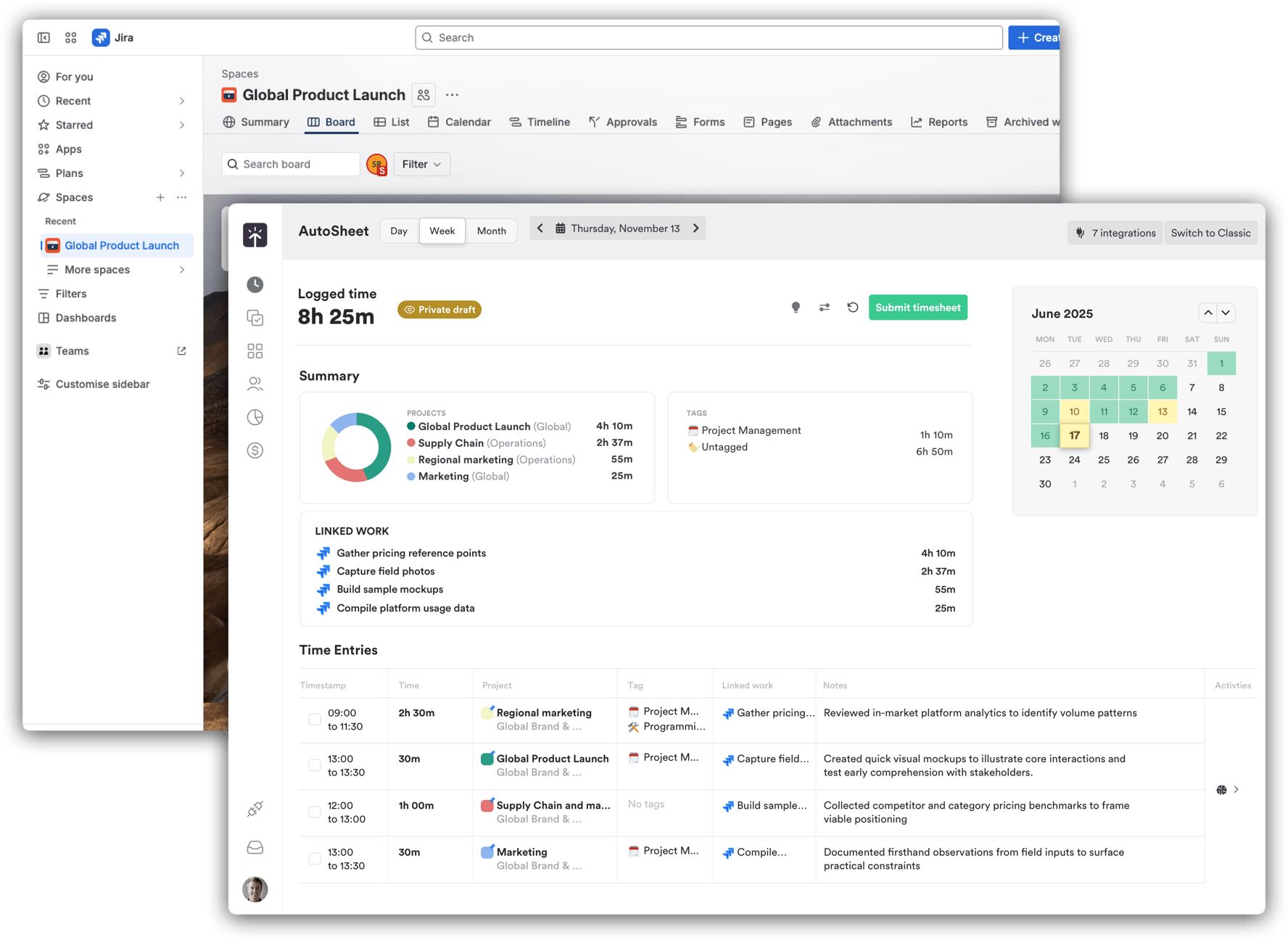
New Asana integration 🦄, advanced reporting & Linked Work features
New Features
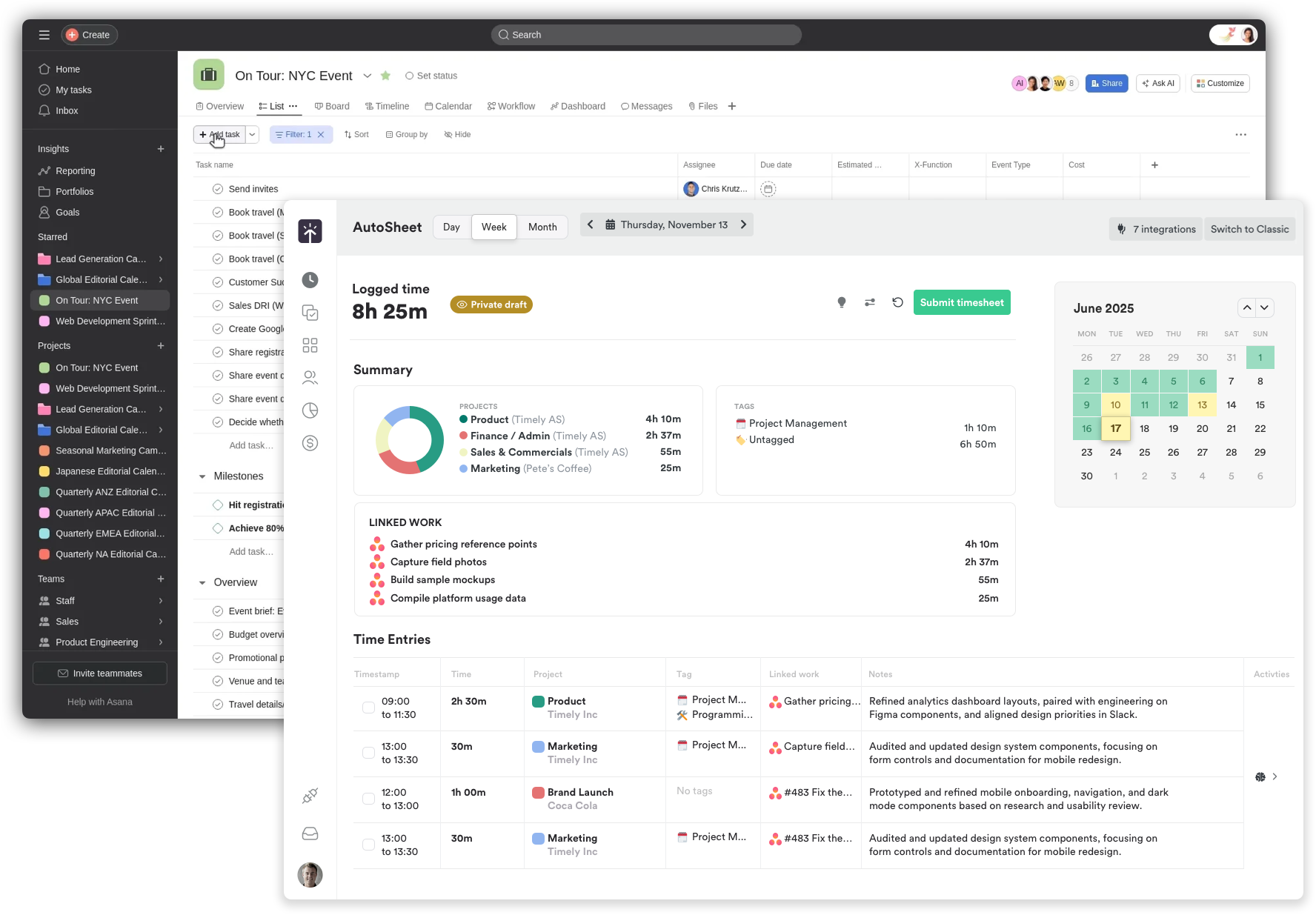
We're stoked to launch a new Asana sync integration for effortless, AI-powered time tracking. Built on Timely’s new Timeline infrastructure, it pairs perfectly with AutoSheet’s Linked Work so you can log time in a single click. Projects, tasks, teams, and time entries stay automatically in sync, and updates in either tool show up in the other within seconds. Learn more →
Improvements
Integrations
- MS Teams integration now automatically connects new users when they're invited to workspaces
- ClickUp archived tasks are now properly deleted in Timely
- Azure AD imported users now appear in "Unassigned users" modal
- Admins now have the ability to search users and invite in bulk from Unassigned user list.
Onboarding
- Simplified calendar setup with guided onboarding and automatic permission requests during sign-up, making it easier for new users to get started.
AutoSheet and Linked Work features
- Added task description to tooltip – View task details on hover for better context
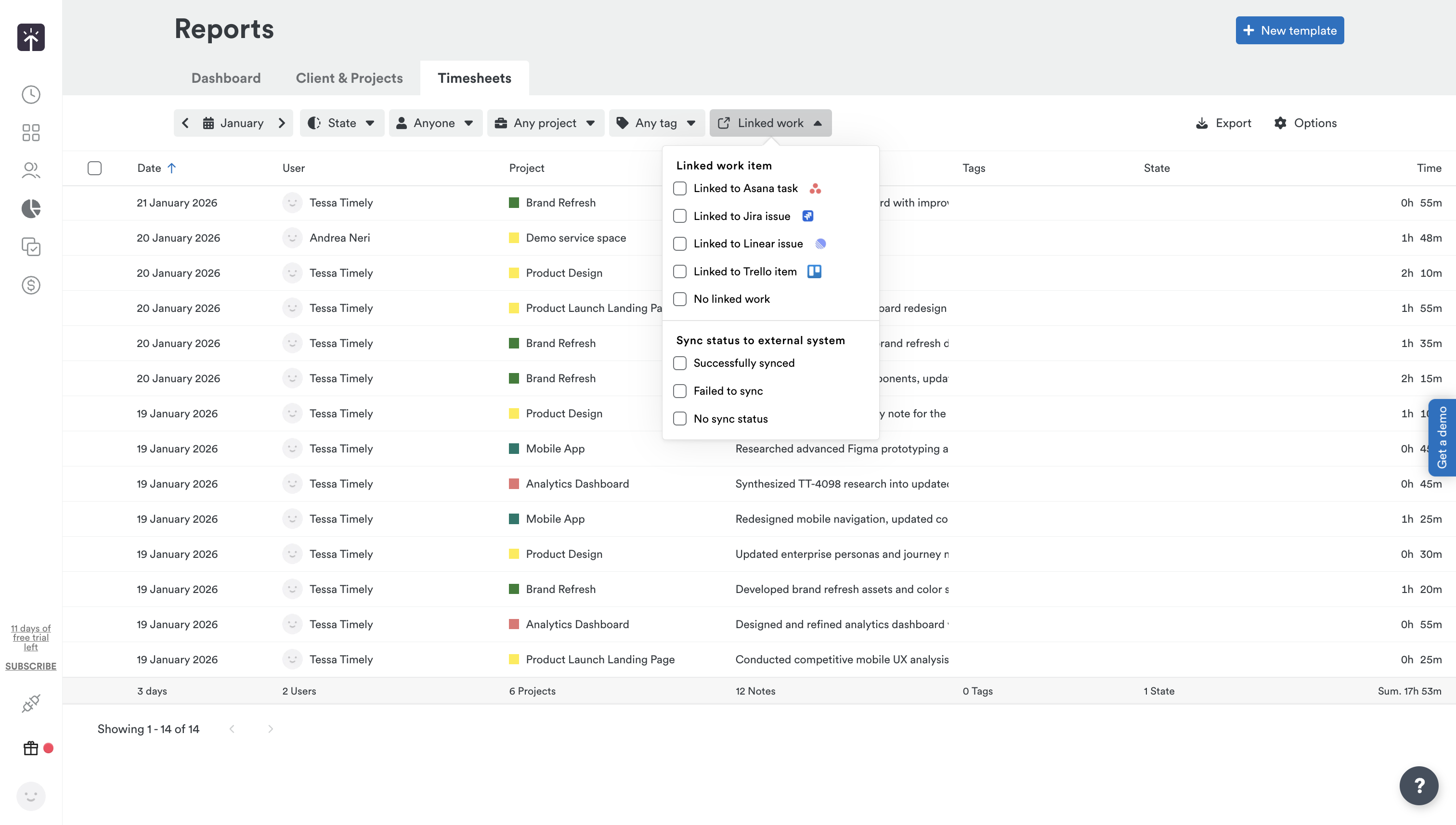
- Added linked work item id, title and sync status to report exports so users can view and filter time entries by their connected work items from tools like Jira or Linear, with customizable columns showing item IDs, titles, and sync status, plus export and widget options for deeper analysis
Reporting and Exports
- Added quarterly and yearly report breakdowns to Client & Project report page
Bug Fixes & UI Improvements
- Fixed timesheet submit and revert to preserve entered hours
- Fixed tag display and selection issues in Time entries