Timely’s latest integration release closes out the year on a high note!
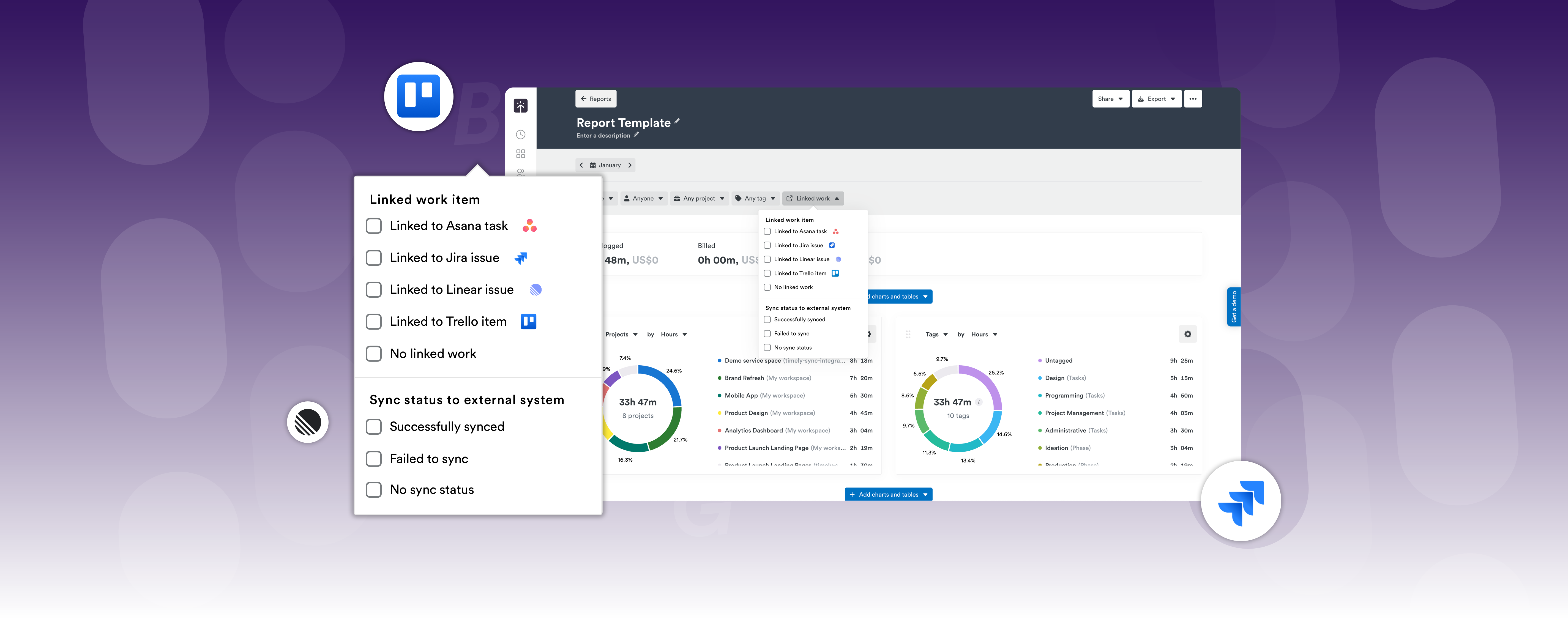
Our new Trello sync integration is live 💥 alongside smarter reporting and even better data.
We’ve focused on features that make your workday smoother, smarter, and more connected. Whether you’re running an agency, managing consulting engagements, building software, or delivering professional services, this update helps you protect billable hours, cut admin, and keep your team aligned without breaking flow.
Now, let's dive in.🌟
Integrations
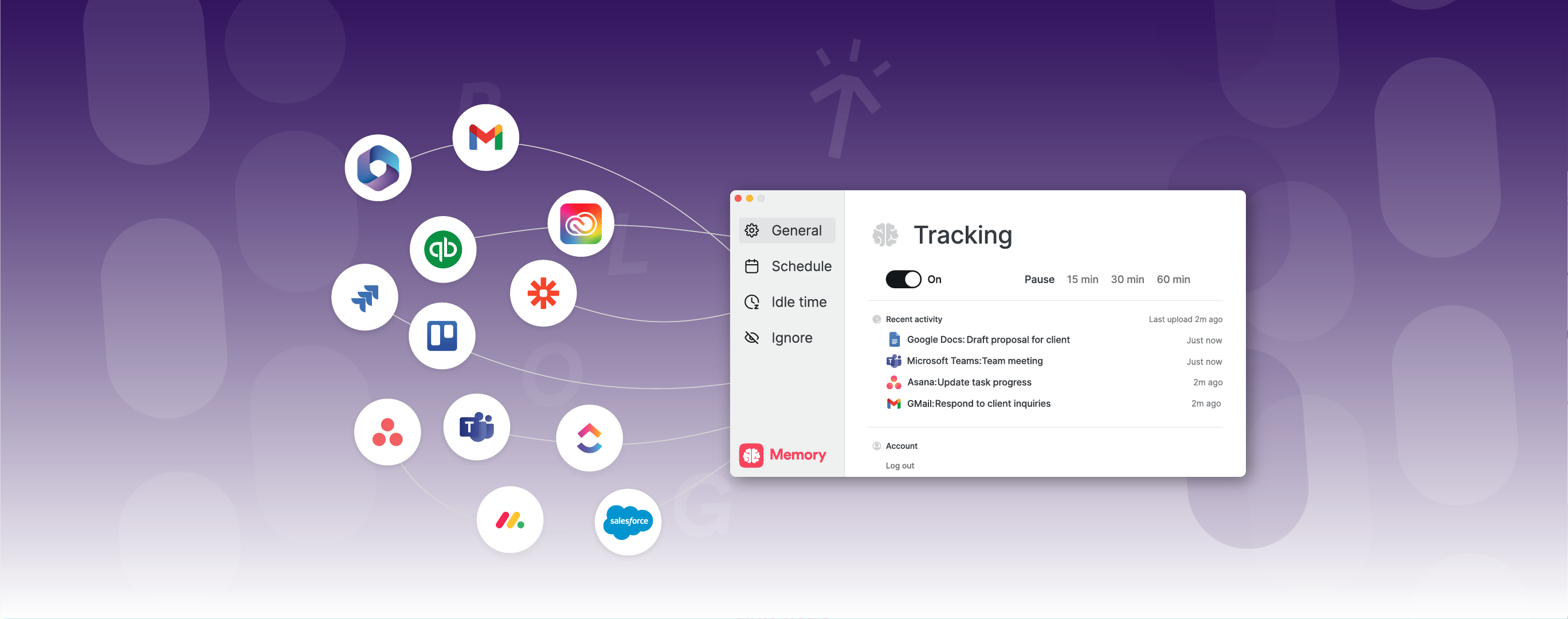
Hello Trello! Bring Trello and Timely together for effortless, AI-driven time tracking.
Every card synced, every hour captured, your entire day logged in one click.
Plans 💳 : Premium, Unlimited, Enterprise
Let Trello keep your work organized while Timely captures the hours that make it happen. Stay on top of budgets, understand team capacity, and secure revenue without chasing timesheets.
Each Trello card that syncs over includes:
Projects automatically imported from Trello boards
Clients created from Trello organizations
Real-time updates when you create, update, or comment on cards
Direct link back to the original Trello card
Labels from Trello appear as tags in Timely
Start and due dates flow automatically
Card checklists formatted as markdown in task descriptions
Assignees sync automatically (and updates when members are added or removed)
Plus,when a card is marked as "Done" in Trello, the Timely task is completed too.
Sharper reporting for confident billing & performance
We’ve expanded Timely’s reporting flexibility to help teams get to the numbers they need faster:
Filter your custom reports by the exact date range you need with custom time frames for user summaries. This gives you more flexibility when analyzing team performance and capacity. For example, use filters to see which users have overtime in any given week versus those who had overtime across the entire month. Useful for:
Creating custom dashboards that show team capacity metrics
Building automated reports that need to distinguish between weekly vs. period-based performance
Integrating Timely data into external business intelligence tools with more granular filtering options
API users now have more flexibility when filtering dashboards and workflows with the ability to apply the % filter for different timeframes, specifically allowing filters to act on either:
"Any week" – Filter based on criteria met in any single week within the selected period
"Whole period" – Filter based on criteria met across the entire date range
This makes it easier to build automated dashboards and workflows that need to analyze user performance data (like overtime/undertime percentages) across different time periods. The feature is available through the user summary API endpoints and complements the custom timeframes feature mentioned above.
Small improvements, big impact. Great for fast-moving multi-client teams and cross-functional squads.
Date-range task filtering simplifies the Task list view by adding a date range selector. Instead of loading all tasks from your entire history, the filtering focuses on showing you only the tasks relevant to your current timeframe—helping you see "the work that matters today" without being overwhelmed by older or far-future tasks. This makes the task list more efficient and easier to navigate.
Team tooltips for quick clarity: When team names are too long and get cut off in filter dropdowns, you can hover over them to see the full name. This makes it easier to understand exactly which team you're selecting.
Security
Simple, Powerful Security
With one-click session termination, you can now instantly log out of all other active sessions — ideal for hybrid teams, shared devices, and client-sensitive work.
Time tracking
Efficiency improvements
Fine-tuned efficiency for a smoother experience.
Improved project importing for ClickUp and monday.com integrations: Projects now import using an external ID when name conflicts occur, ensuring all projects sync accurately.
Expanded task visibility for ClickUp and monday.com integrations: All tasks are now shown, even when the assignee is no longer an active Timely user.
Automatic Office365 calendar selection now provides fewer interruptions and a smoother onboarding experience when setting up the Office365 calendar integration with Timely.
Plus, your scheduled report emails now include the report name in the email body. This makes it much easier to distinguish multiple scheduled reports and know exactly which report you're receiving without having to download and open the file first. 😅