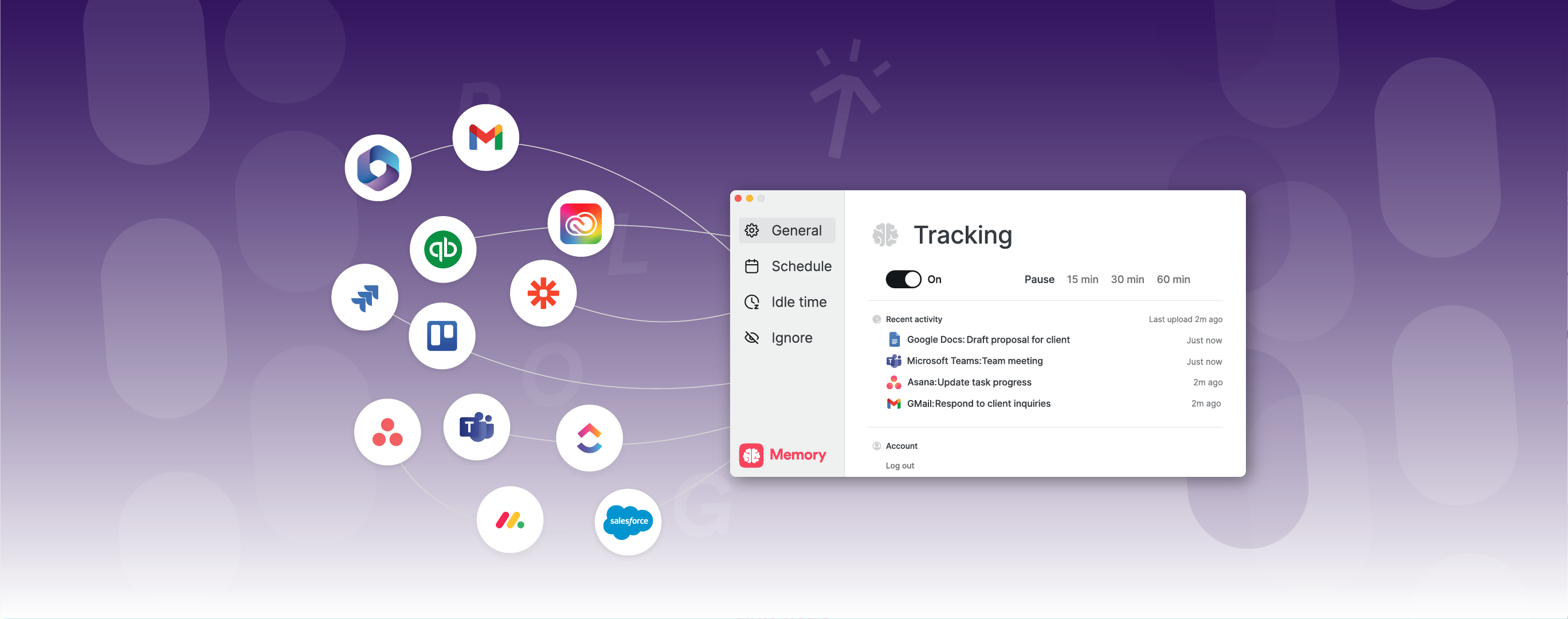
Best Practice Guide The New AI Timesheet Assistant is here. Now's the time to teach it how you work.
Plans 💳 : Everyone
Timely’s updated AI takes the pain out of logging time; turning a tedious task into something literally magic. Whether you’re trying Timely’s upgraded AI for the first time or refining your Assistant for sharper results, this guide walks you through everything you need to know. Learn how to customize, preview, and log time in seconds your way.

- Train your AI to match your unique work style
- Preview suggestions before they’re logged
- Log your entire timesheet in just one click!
- Keep full control of your data at all times
- Available on Timely's shiny new Timeline only ✨
- View the guide →
Time tracking Log time even faster with the New Timeline Summary Lane.
Plans 💳 : Everyone
Timely’s new Summary and Calendar Lanes give you a smarter layout that helps you log, review, and focus with less effort. Our redesigned Timeline doesn’t just look different, it’s built to help you spend less time logging time. With customizable views, simplified navigation, and less cognitive clutter, it’s easier to spot what matters and get your day logged in seconds.
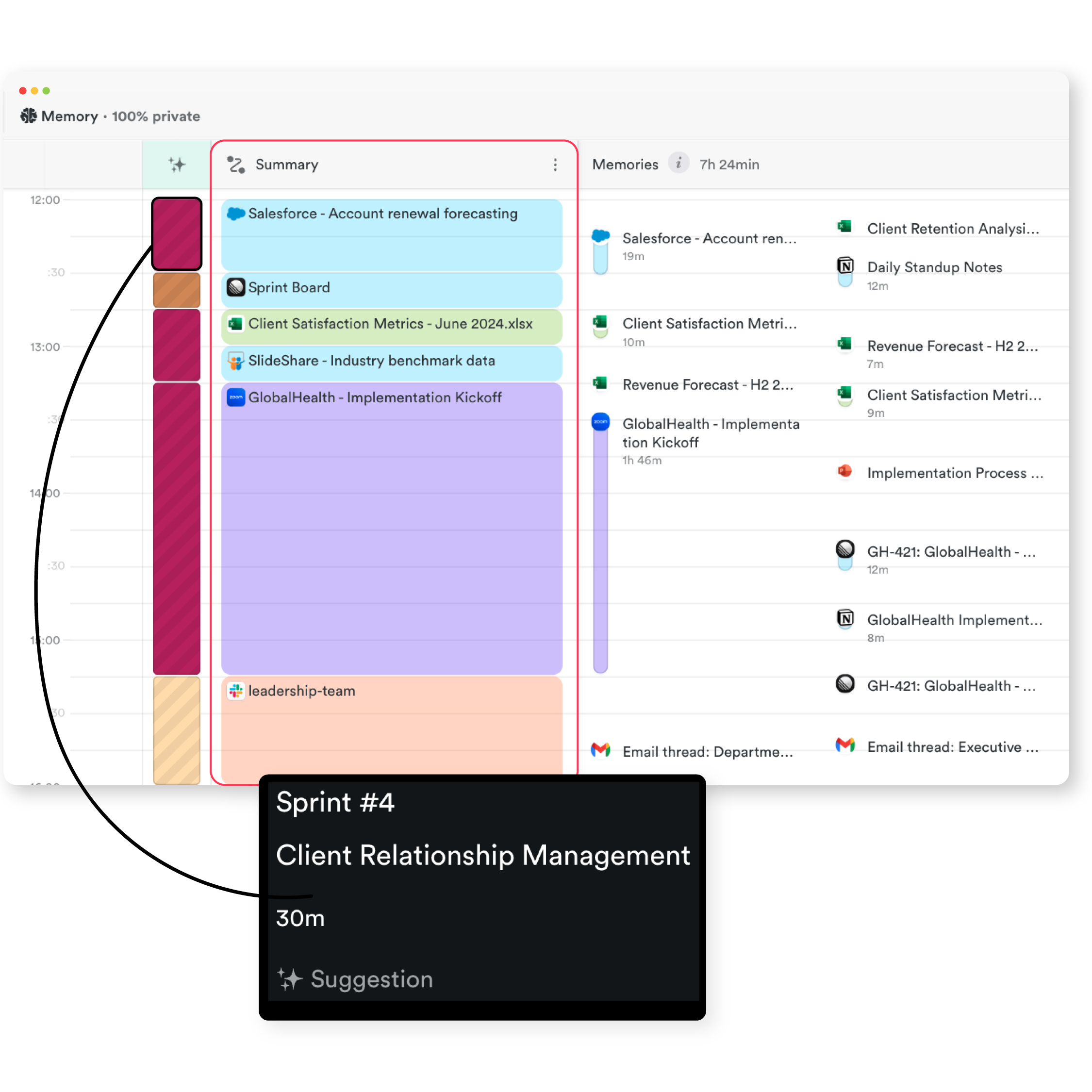
Here’s how the new Timeline Summary and Calendar Lanes helps you:
- Customize views to highlight what’s most important to you
- Log time faster with less scrolling and better layout
- Reduce cognitive overload with a cleaner, more intuitive design
And for the time-perfectionists: full memory view and app-level detail haven’t gone anywhere, so you can track time in exact 6-minute increments if that’s your thing!
Time tracking Timesheet Notes? Pfft. Your Timesheet Assistant’s already on it!
Plans 💳 : Everyone
Your Timesheet Assistant now creates rich, human-like notes for each time entry—automatically. It’s a powerful upgrade that simplifies timesheet completion while giving you deeper insight into what your day actually looked like. Whether you're reviewing hours by project, preparing client reports, or planning resources, these notes give you fast context on what happened, when, and why.
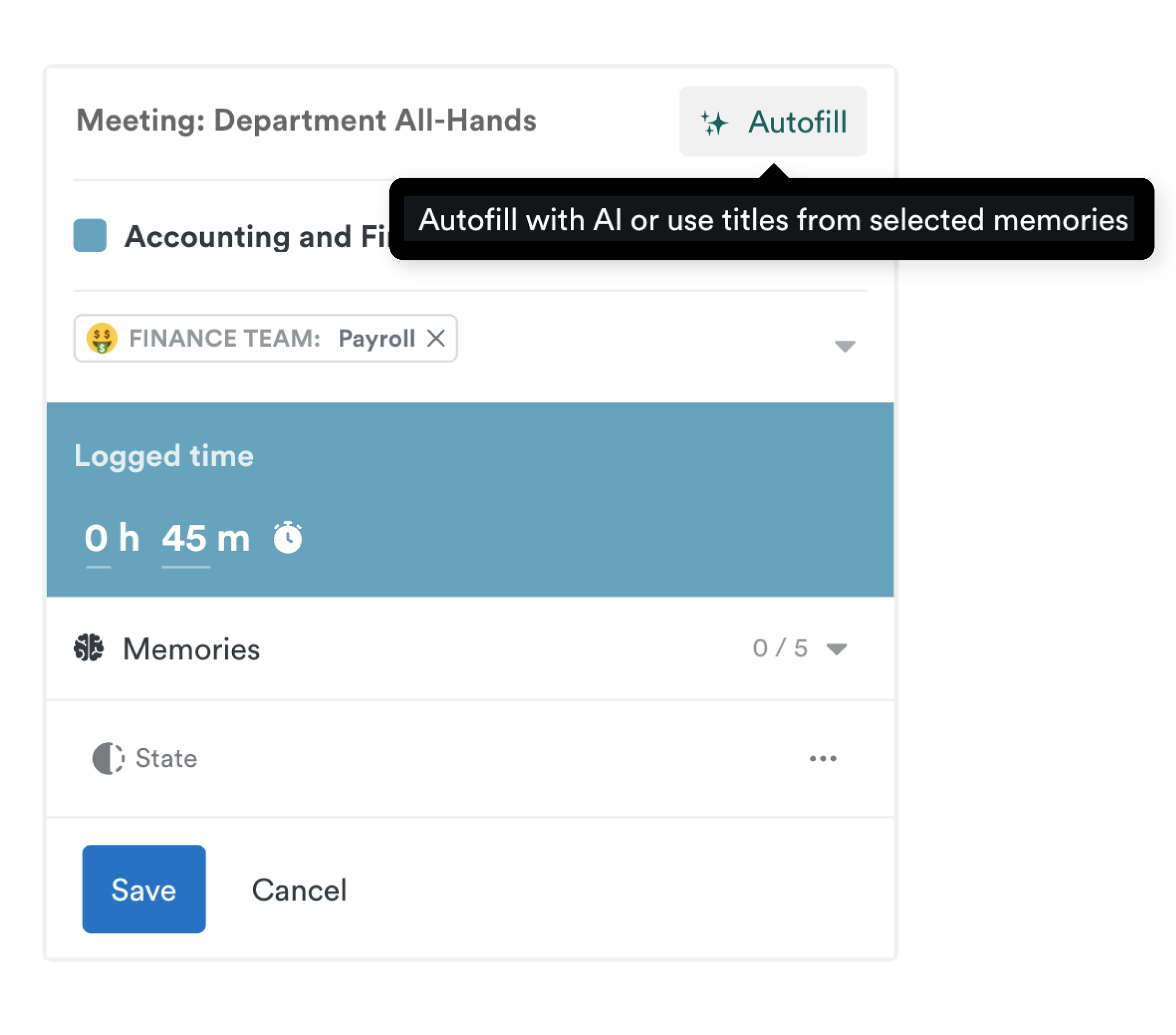
- Automatic detailed, natural-sounding work summaries
- Great for quick reviews, reporting, and daily clarity
- See the story behind your time, making resource planning and billing easier than ever
- Removes the tedious task of writing notes!
- Read about notes →
Integrations Total Task Control! Now syncing Sub-Tasks from Asana & ClickUp.
Plans 💳 : Premium, Unlimited, Enterprise with Tasks add-on
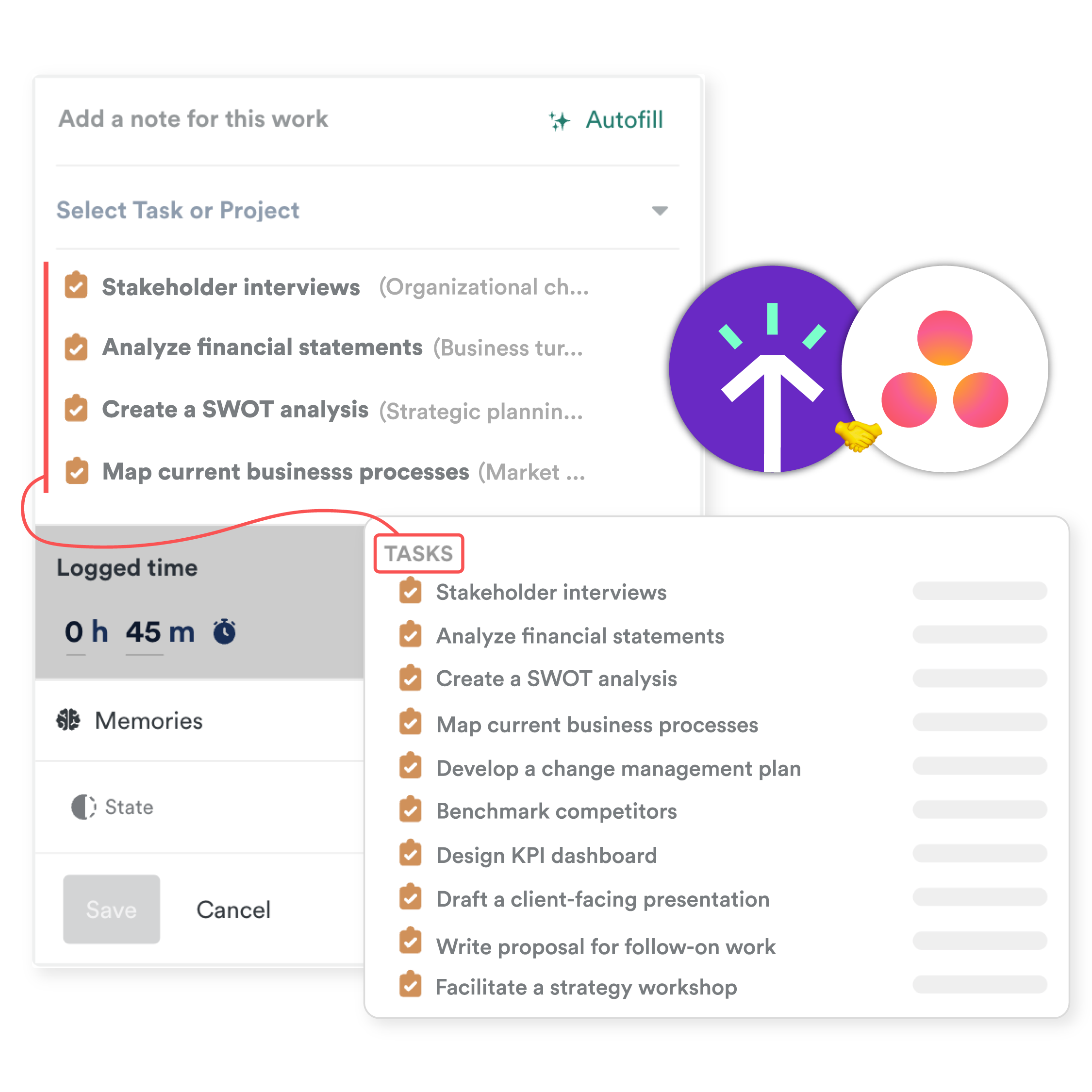
Now you can effortlessly sync sub-tasks from Asana and ClickUp directly into Timely. This means all your work—big or small—will automatically appear in Timely, giving you a fuller, more accurate picture of your day.
Reports Zoom in on profit, projects & performance with new Client and Project tables.
Plans 💳 : Everyone
A powerful new way to report on Client and Project time data. The new Client & Projects table offers a comprehensive overview of time, money, cost, and profit across your entire client portfolio all in one centralized location.
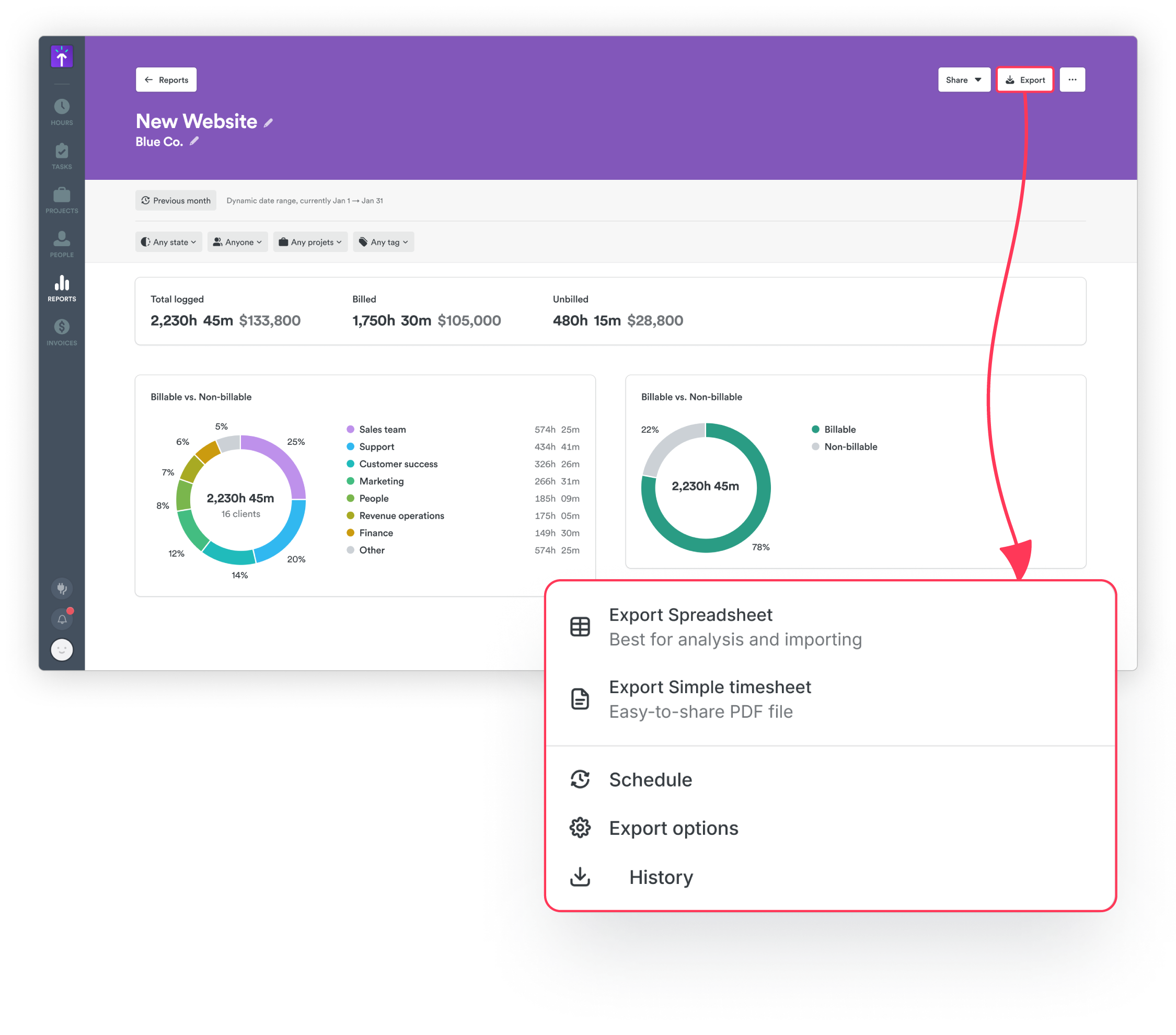
- Expand Clients to view all Projects
- Breakdown by day, week and month
- Spot where time and money are going to plan and allocate resources smarter.
- Get clear client and project insights to improve reporting and decision-making
- Click into the details →